How Omit works
Hide faces, text and ID details in a few taps. Here is the whole idea in fifteen seconds.
- 1. Choose a picture
- 2. Hide what matters
- 3. Save and share
How it works
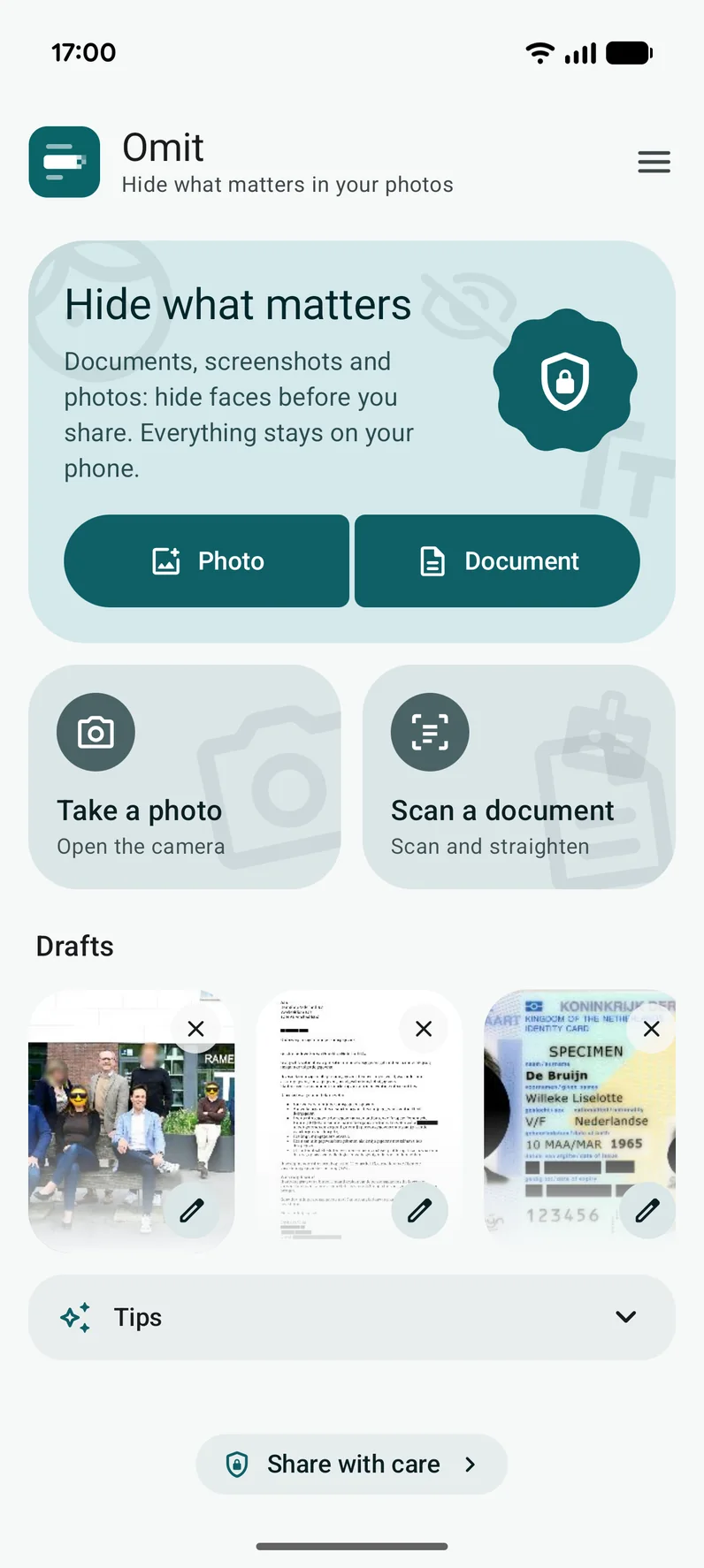
1
Choose a picture
Pick a photo or a PDF, take a picture, scan a document or share straight to Omit from another app.
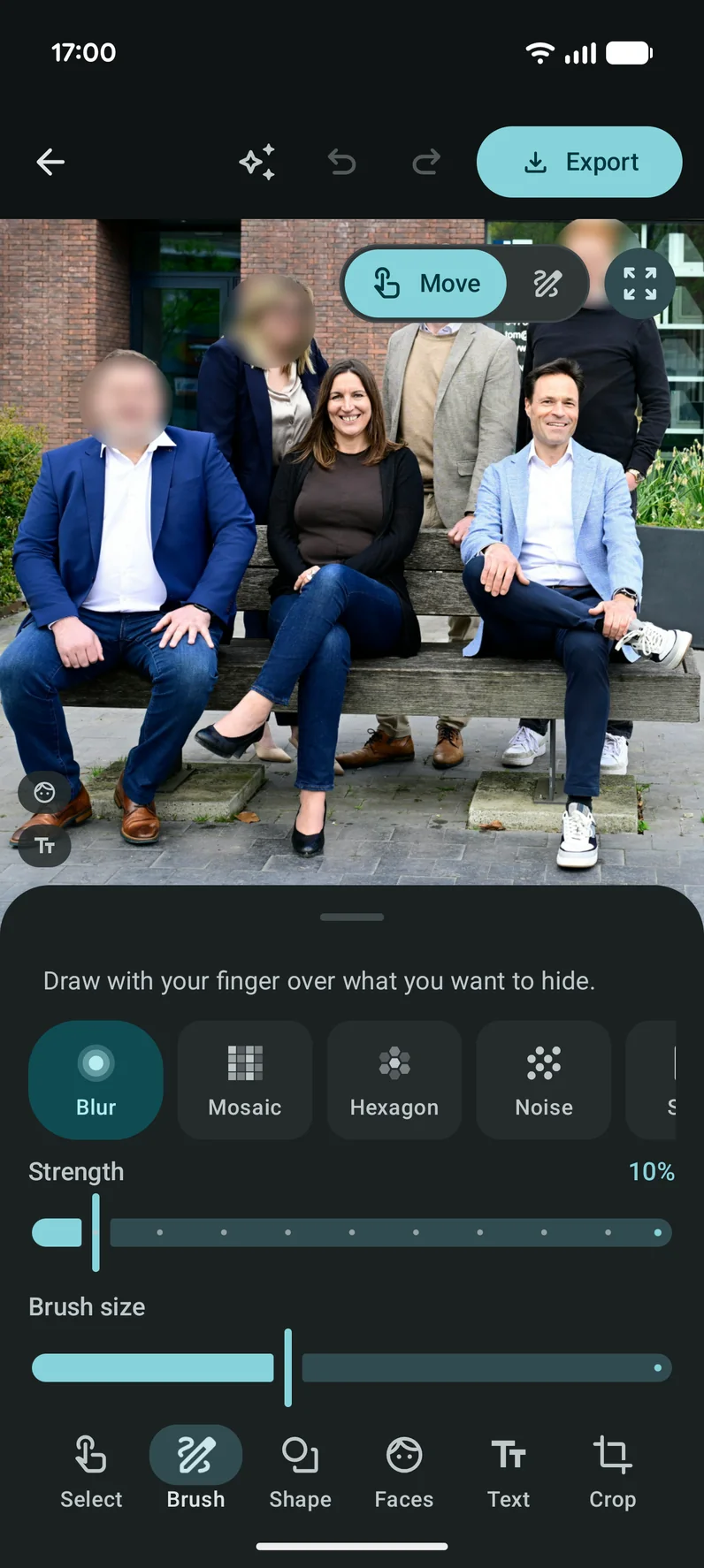
2
Hide what matters
Swipe over it with the brush, drag a shape, or let Omit find faces and text. Pick blur, mosaic, black or an emoji.
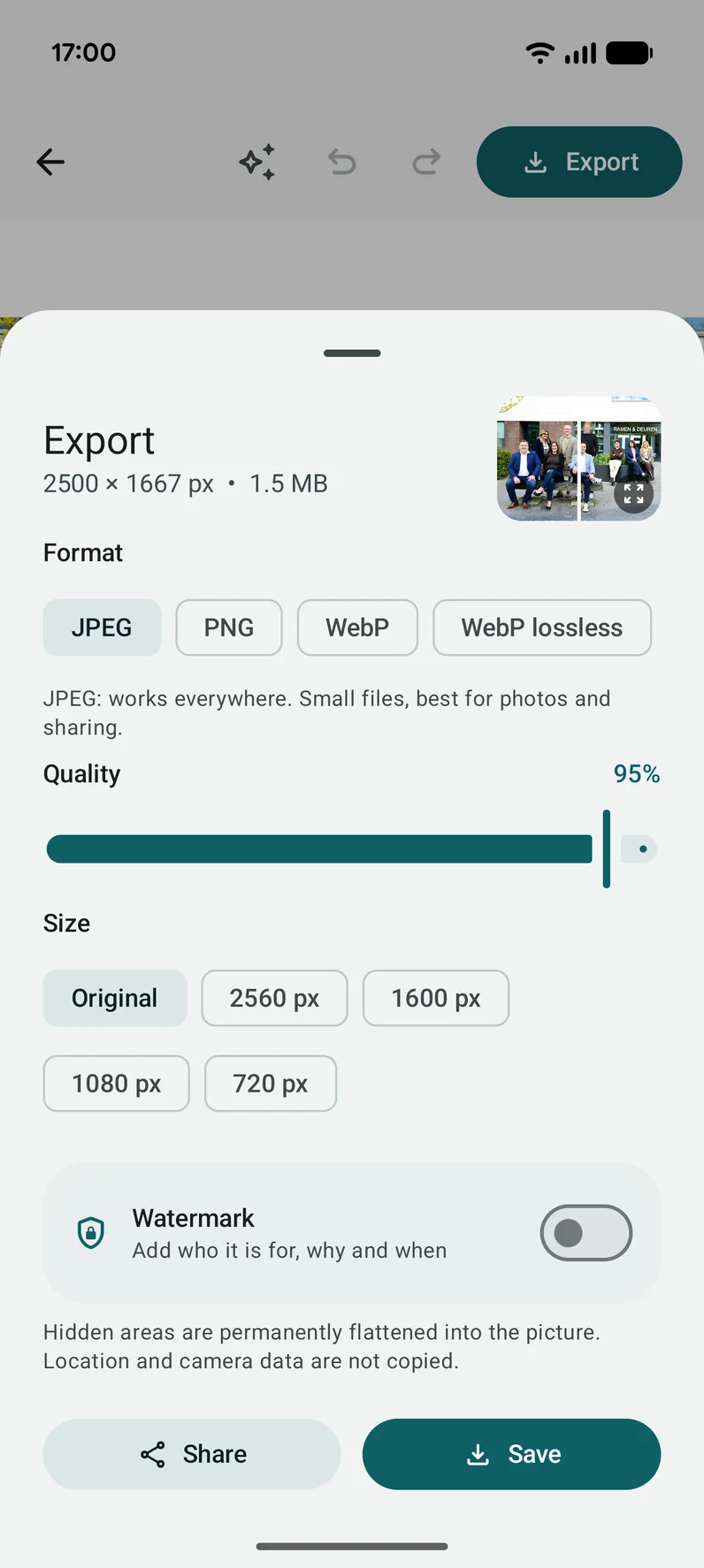
3
Save and share
Save the result without location or camera data and share it. What you hid is gone from the picture for good.
Good to know
Undo anything
Undo and redo as often as you like, and change the style of an area until you save.
Your original stays
Omit works on a copy. The picture you started with is never changed.
All on your phone
Finding faces and text, editing and saving: none of it leaves your phone.