How To-inbox works
Share, pick a label and it is in your inbox. Here is how to set it up in a few minutes.
How it works
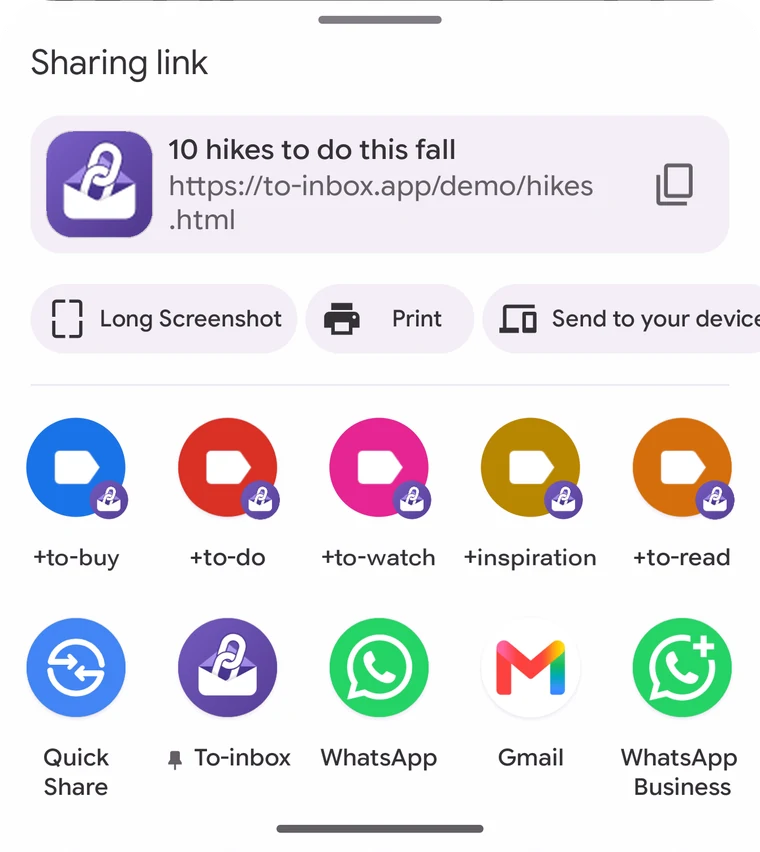
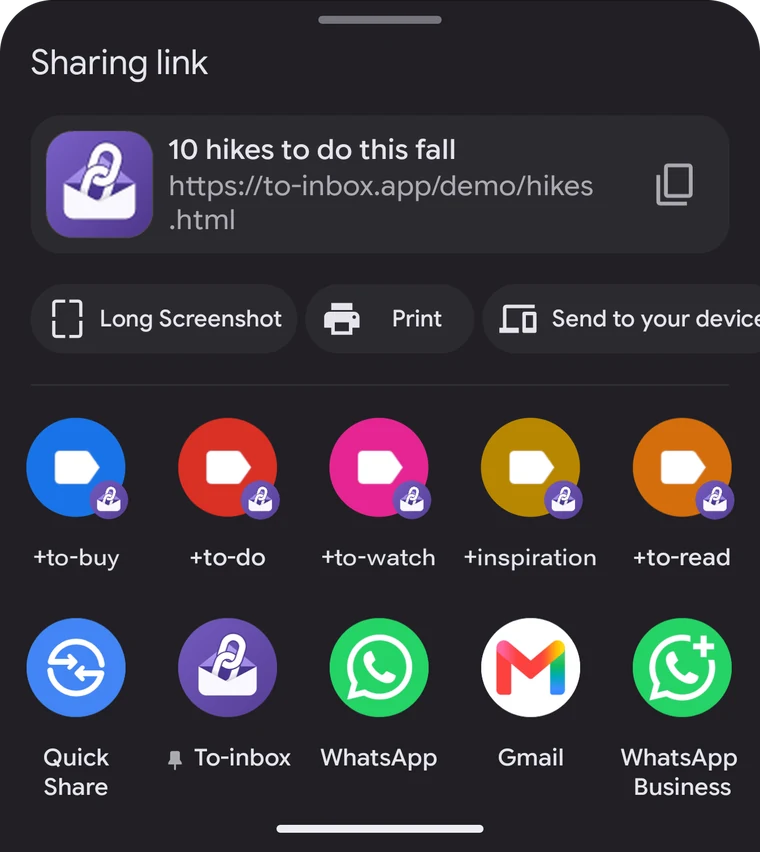
Tap Share
In any app or on any website. Pick To-inbox in the share menu.
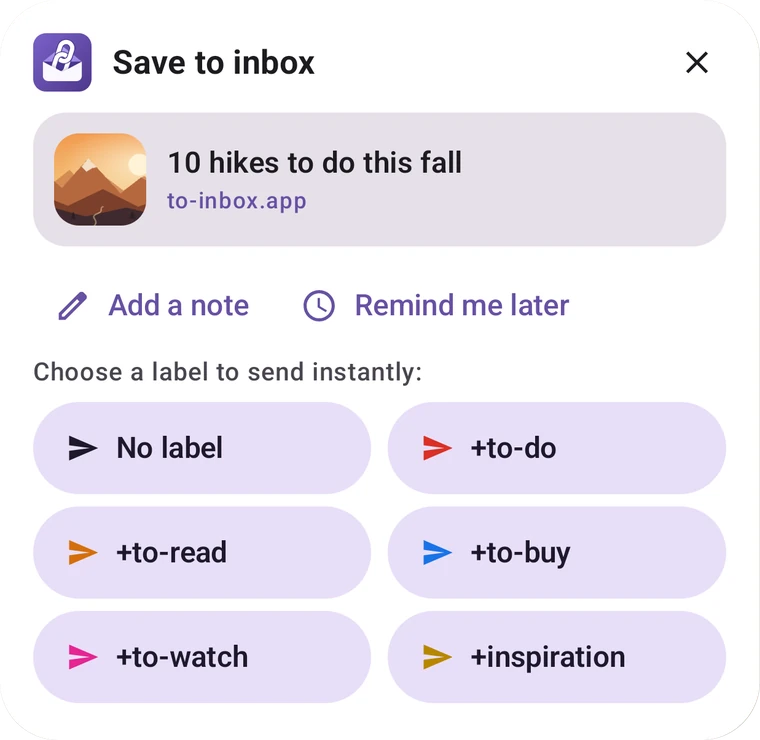
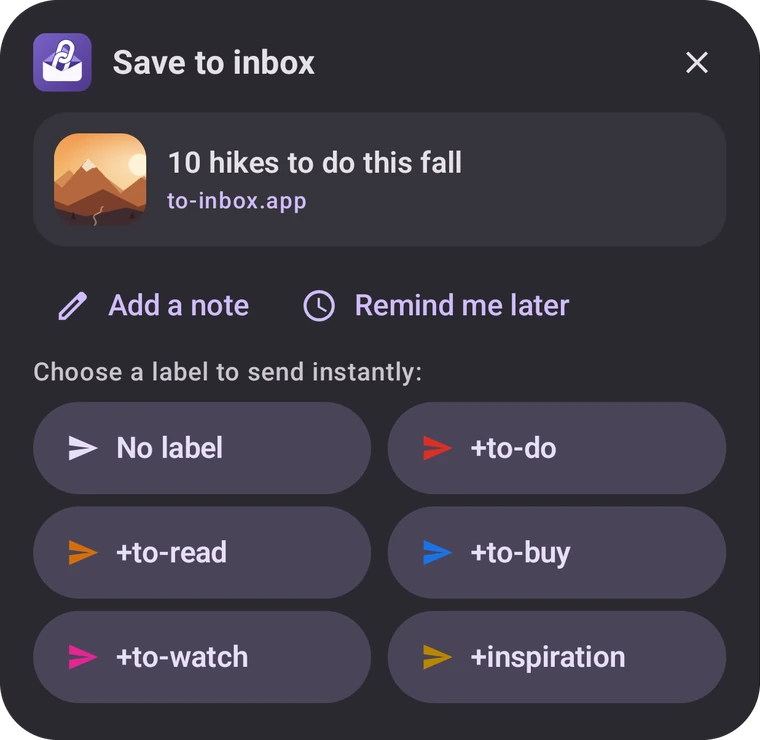
Pick a label
With Pro, add a short note. One tap on a label sends it.
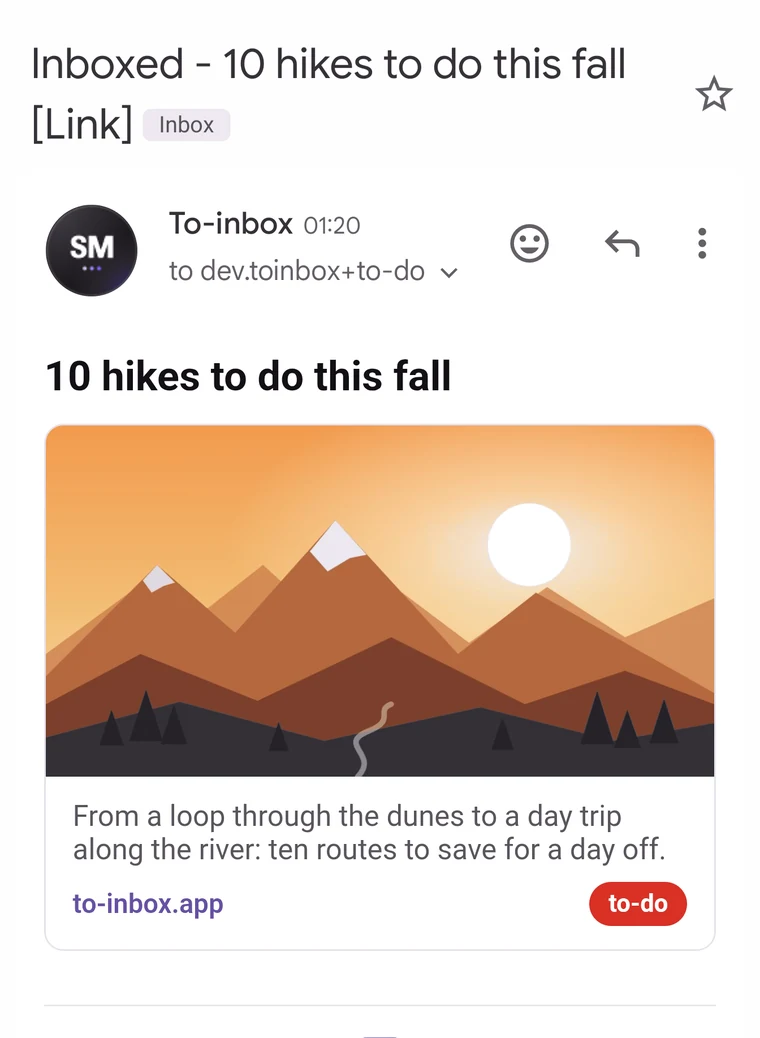
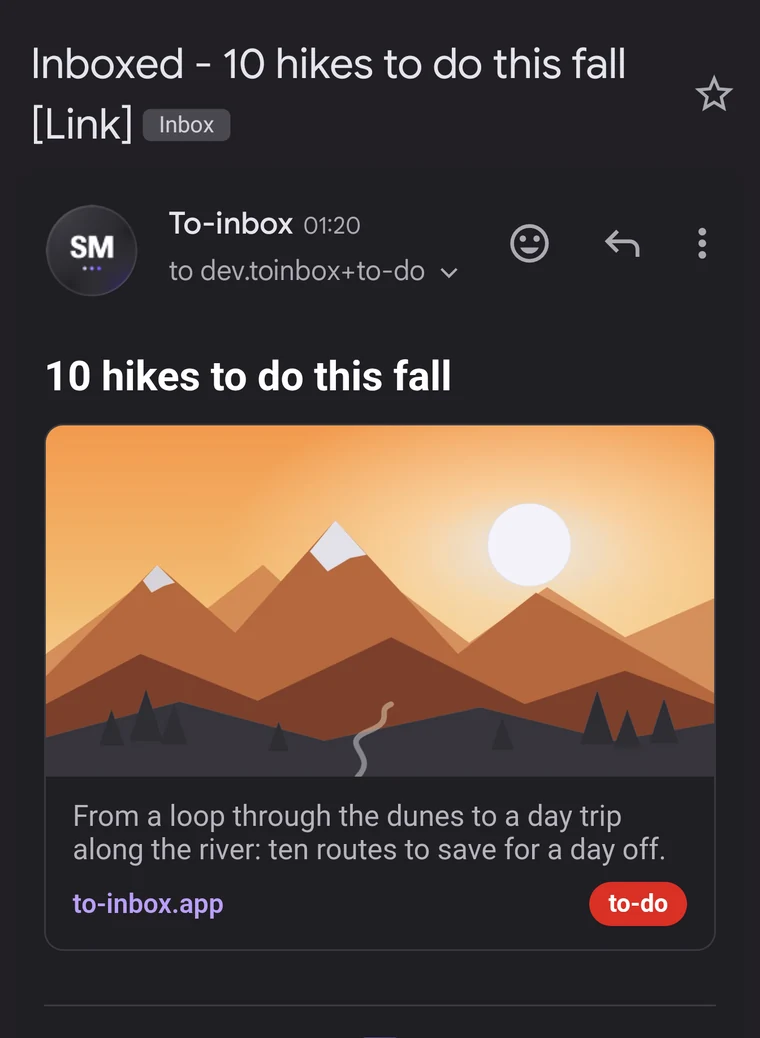
It's in your inbox
With a link preview and label, ready to read or archive.
Ready in three steps
Install
Get To-inbox for free on Google Play. Works on Android 8.0 and newer.
Connect Gmail
On first launch, a welcome screen gets you set up: choose your language, sign in with Google or use an app password, and pick your labels in your own language right away. Used To-inbox before? Restore your backup right away. You can replay it any time via Menu > Help > Revisit tour.
Share
Send a test mail from the welcome screen, then share from any app via Share > To-inbox. It's in your inbox within seconds.
How labels work: an item with label to-do goes to yourname+to-do@gmail.com and lands in your own inbox. A Gmail filter on that address automates the rest: a colour-coded label, instant archiving, a star or mark as read. The welcome screen walks you through it. Or export all filters at once as a file under Menu > Preferences and import it into Gmail.
Why I built To-inbox
I got tired of the chaos on my phone. Everything I wanted to keep ended up somewhere else: screenshots in my gallery, messages to myself in WhatsApp and dozens of tabs left open "for later".
Finding anything back was nearly impossible. A screenshot is just a photo, and you can't search inside it.
For years I've used Gmail as my personal storage. I'm in it every day anyway, and my inbox is carefully organised with rules, filters and other automations. What I was missing was a quick way to get everything I come across into it.
So I built To-inbox. I share a link, photo or note from any app to my inbox, with a label like +to-read or +to-do. That label goes into the address, so Gmail knows exactly what it is. My filters do the rest: the right label, the right colour, archived straight away or starred. My trusted inbox has become an archive of everything I send.
And the best part comes afterwards: with Gmail's search I find anything back in seconds. No more digging through photos, chats and tabs. One place, fully searchable.
I want to share that convenience with everyone. To-inbox is free, with no ads and no server of its own. The app itself doesn't track anything about you. Your emails go straight from your phone to your own Gmail.